Preparing an Image
To receive good results with object detection methods in images, those images usually need some kind of preprocessing. Segmensation currently only offers such functions for images where objects are defined by their brightness.
Closing
Closing is an operator from the field of mathematical morphology that is usually used on binary or grayscale images. As the name implies, closing is an operator that removes small holes in objects. It also reduces general noise in images.
The operator consists of two steps: Dilation and Erosion. Dilation expands the area that is assigned to an object, while erosion shrinks it. Due to the way these two operations work, the borders of objects stay similar, but holes that are filled by dilation can not be opened again by erosion.
Parameters:
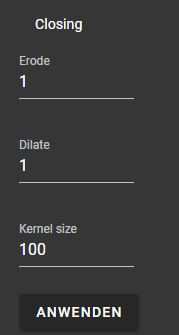
Here you can see the original and the image that got eroded and dilated. For example a Kernel size of 100 got chosen.


Shrinking
Shrinking can be used to manipulate the color histogram of an image. With this operation, certain colors can be enhanced by reducing the color space to the desired range. This operation will simply limit the available color space for the selected image
Note
This operation also automatically maps the color values to a range between 0 and 255, which is required for saving the image as JPG or PNG.
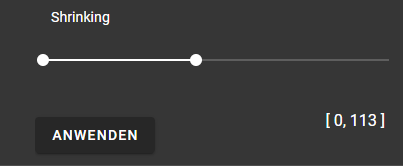
Here you can see the example and the image that got shrunk to above colorspace for each channel

Gausian Blur
Gausian Blur is an image processing technique. It is used to reduce noise and detail in an image. The purpose of this technique is to create a smoother and softer version of the image by averaging the pixel values within a specified neighborhood around each pixel
Note
This operation has only one parameter. It controls the size of the used filter. It can be set between 1 and 50. This means that in x and y that many pixels are getting used to calculate the blur.
You can see the original image and the blurred image.

Thresholding
Thresholding is used to segment or separate objects in a image. This will produce and image that is devided in two classes, either foreground or background.
Note
There are three different types of thresholds that can be chosen via the dropdown menu. Adaptive Mean: calculates a local threshold for each pixel based on the mean in a local neighborhood of that pixel Adaptive Gaussian: uses the weighted average instead of the average in a local neighborhood Otsu: this is a global technique that calculates an optimal threshold. It maximizes the variance between the two classes.
For different images different thesholds can be optimal.

Here you can see the original image and the image that got thresholded with the adaptive mean.
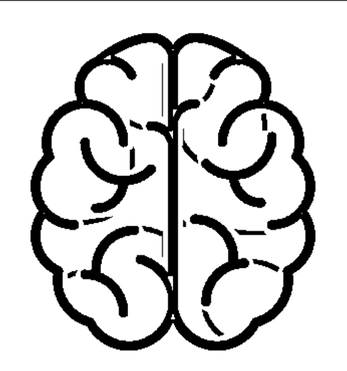
Here you can see gaussian thresholding and otsu thresholding

Watershed
Watershed is an image processing algorithm to segment an image. The image is viewed as a topographic surface where high intensity denotes peaks and hills while low intensity denotes valleys. Then the valleys get filled. When two or more of these individual valleys get connected with water, a “barrier” gets put in place. The barriers that got created give the segmentation result.
An example of the watershed algorithm results can be seen here